Add bold, italic, underline, or strikethrough to text
- Choose the Type tool by doing one of the following:
- Choose the Type
 tool in the Tools sidebar.
 - Choose Tools > Type from the Tools menu at the top of your screen.
- Press the
Tkey on your keyboard.
- Choose the Type
- Select the text you want to change.
To change all of the text in a text box, select the text box.
- In the Tool Options pane, click one of the text format buttons below the font size slider.
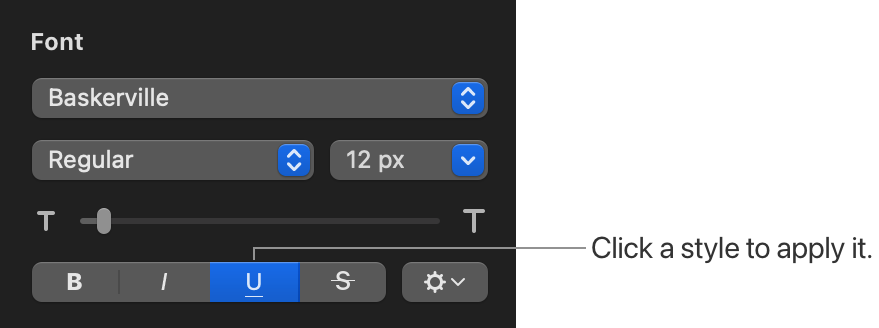
To remove a specific format, click that button again.
If the font you’re using has other styles available (such as light or condensed), click the Typeface pop-up menu above the buttons to choose one of them.