Quickly export or share an optimized image
The Quick Export feature lets you export your entire image optimized with the settings of any of your export presets. You can also send a copy of the image via AirDrop, Mail, Messages, or add it to other apps such as the macOS Photos app, Reminders, Notes, and more.
- Click Share
 in the Pixelmator Pro toolbar.
 - Choose one of the Quick Export options.
- If prompted, choose a location to save the exported images or videos.
- Click Export.
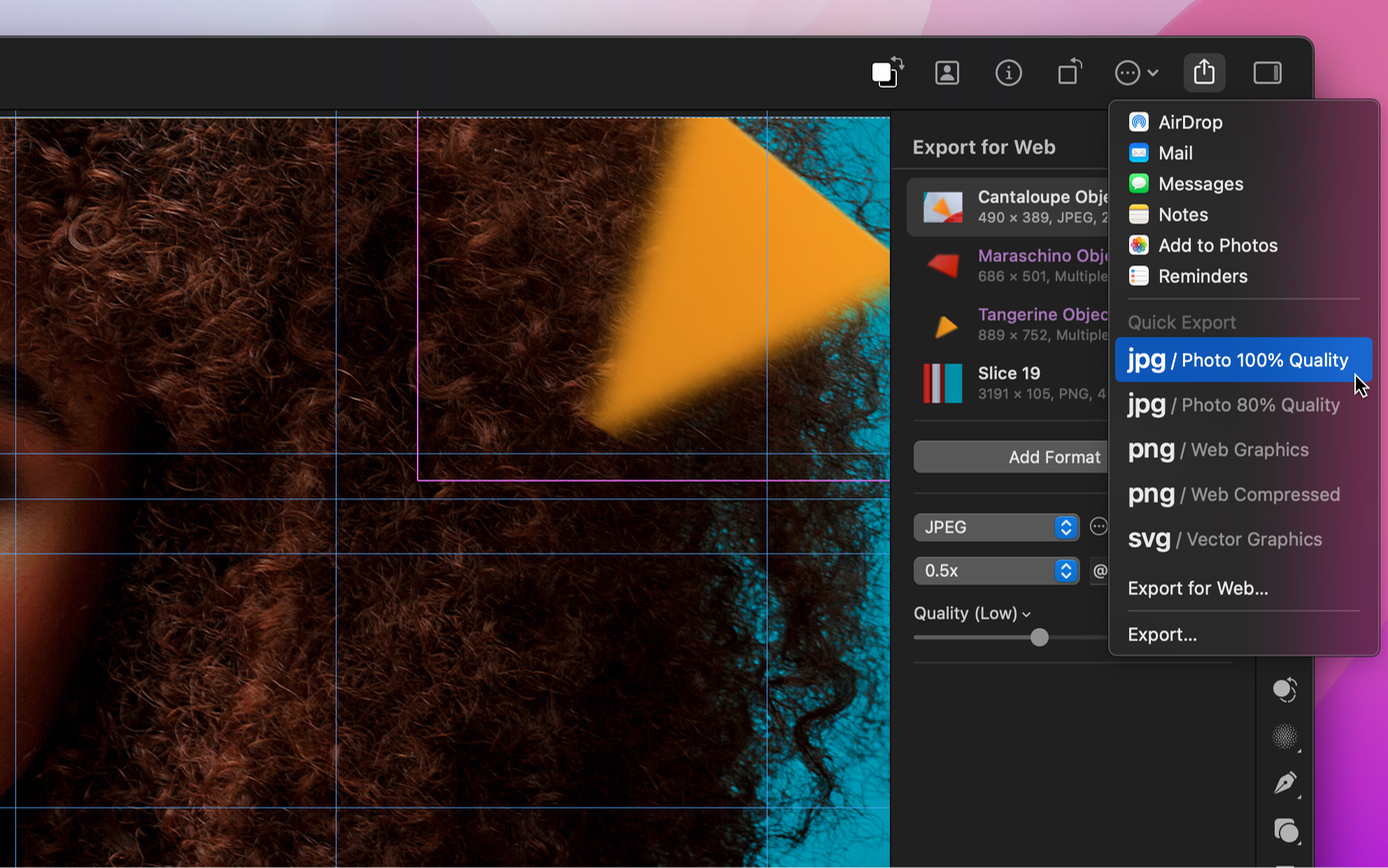
To add your own Quick Export options, create a new export preset or redefine an existing one.