Automatically select a subject in an image
To make a selection that includes only the main subject in an image, you can use the smart Select Subject tool. An AI-powered object detection algorithm will automatically locate and select the subject in a layer or layer group for you.
Do any of the following:
- Click the Select Subject button in the toolbar. If it's not visible by default, you can add it from the Customize Toolbar menu. Choose Window > Customize Toolbar to open it, then drag the Select Subject item to the toolbar.
- Choose Edit > Select Subject from the Edit menu at the top of your screen
- Press
Control ⌃+Son your keyboard. - With any of the selection tools selected, click Select Subject in the Tool Options pane.
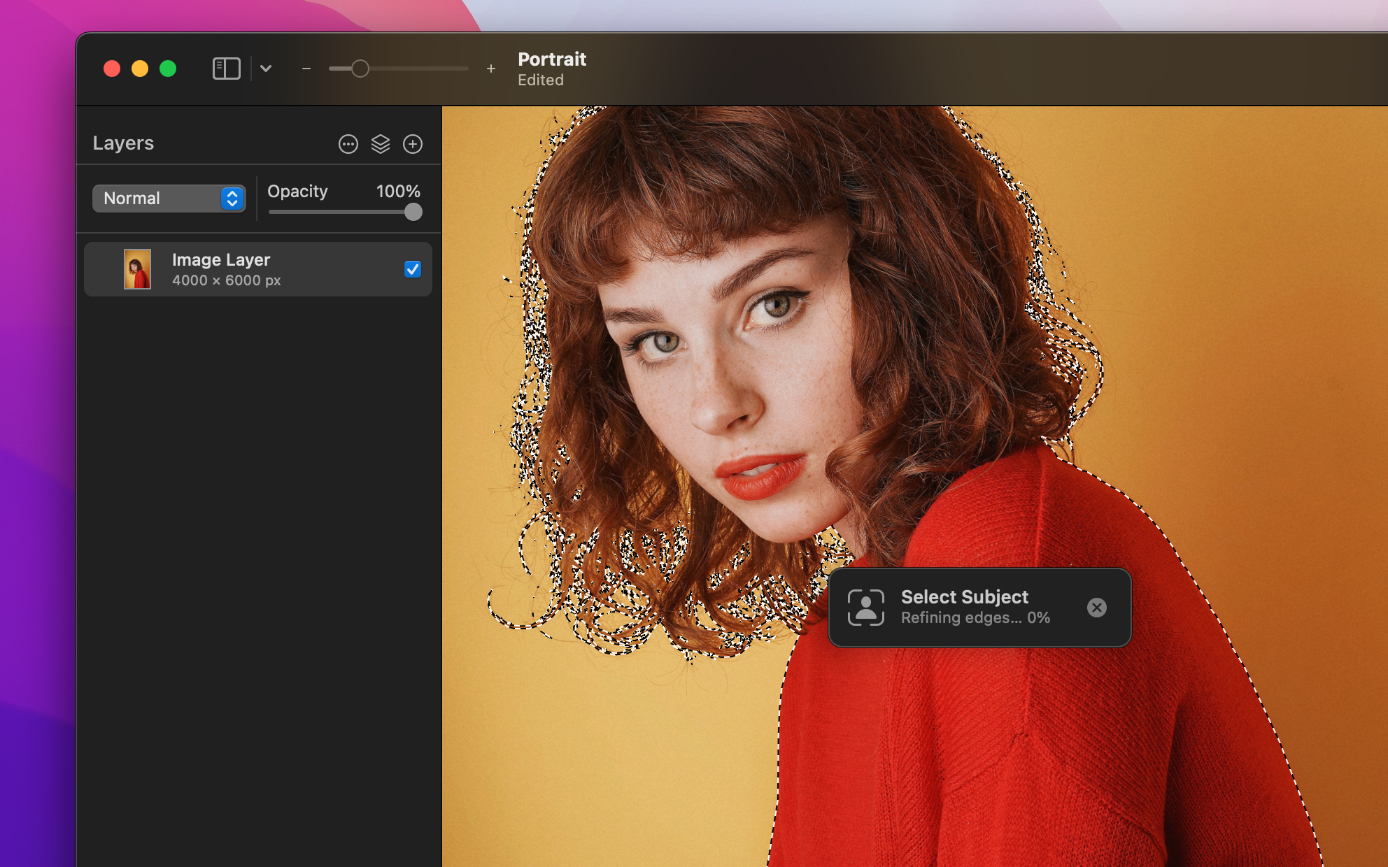
To select a subject while taking into account all document layers, not just the active layer, press and hold Option ⌥ when clicking Select Subject in the Tool Options pane.